
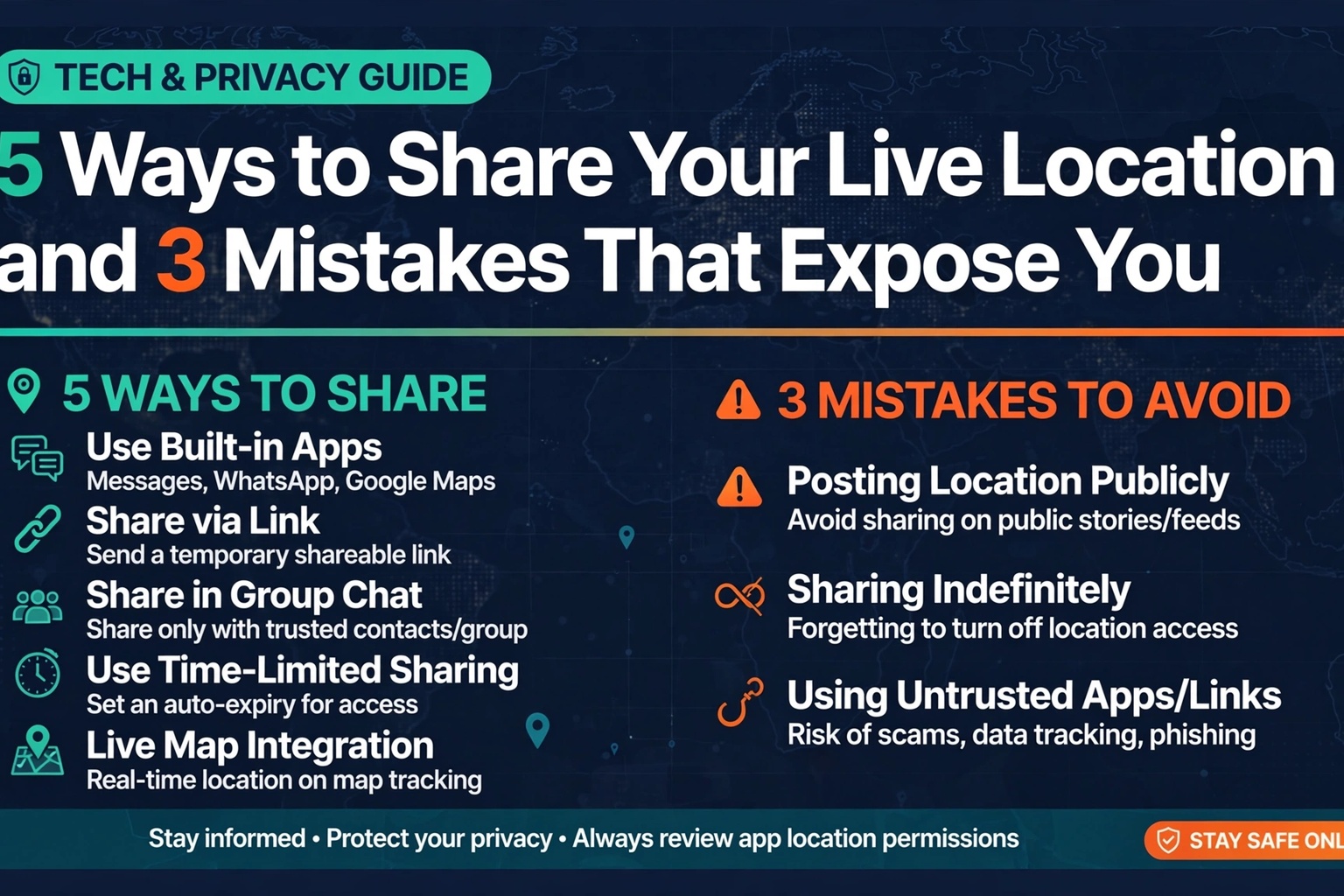
Sharing your live location with someone home is the single highest-value safety habit for international dating trips. It is also the one most people do wrong — sharing too little, with the wrong person, or in a way that exposes them to the wrong eyes.
Five ways to do it right. Three mistakes to never make.
5 Ways to Share It Right
1. Phone-native continuous sharing. iPhone’s Find My or Android’s Google location sharing, turned on for the entire trip with your check-in contact. Not “share for an hour” — continuous. It survives app crashes and works in the background.
2. WhatsApp live location. In a chat with your contact, attach → location → share live location for 8 hours, renewed morning and night. Useful because it works across iPhone and Android and your contact does not need your cloud password.
3. A dedicated safety app. Apps like Life360 or Noonlight add crash detection, SOS buttons, and automatic alerts if you stop moving unexpectedly. Set one up before departure and test it at home.
4. Scheduled location pins. At every new place — restaurant, hotel, meeting spot — drop a pin to your contact: “Here now, leaving around 10.” If live sharing fails, the pins still build a trail.
5. A shared trip document. One note or doc with your itinerary, hotel addresses, flight numbers, and his details — shared with your contact before departure and updated as plans change. Location data shows where; the document explains why.
3 Mistakes That Expose You
Mistake 1: Sharing with him instead of home. Your date does not need your live location. Ever. Location sharing is a lifeline to people who would search for you — not a convenience for the person you are evaluating.
Mistake 2: Posting location publicly. No real-time check-ins on social media, no “at this cute café in Lisbon!” stories until you have left. Public posts tell strangers — including anyone watching your profile — exactly where to find you.
Mistake 3: Letting it lapse. Sharing that dies on day three because the battery optimization killed the app, or because “everything’s fine now,” is sharing that fails exactly when the pattern changes. Keep it alive the whole trip. The day you turn it off is the day Murphy’s Law files its paperwork.
Done right, your location dot is a silent bodyguard: invisible to everyone except the one person who would move heaven and earth to find you. Set it before you fly, and never travel dark.
The Battery Problem
Every location-sharing method dies with your battery — which is why power discipline is part of the system, not an accessory. Carry the power bank every day, not just on travel days. Turn on battery-saver mode when you drop below 30%. And agree with your contact on a simple rule: if your dot stops moving unexpectedly or goes dark outside of sleep hours, that counts as a missed check-in and the escalation clock starts. A dead phone should trigger concern, not a shrug of “probably just charging.” Build the expectation in advance, and a dark dot becomes a signal instead of a mystery.
Sources
- Wikipedia — Emergency telephone number
- UK Foreign, Commonwealth & Development Office — Travel Advice
- Wikipedia — Smart Traveler Enrollment Program
Disclosure: The stories on Love Lies Abroad are based on publicly reported accounts. We are not stating these as facts — this is what was reported. If you are featured in a story and believe it is inaccurate, contact us and we will review it, correct it, or take it down.
Submit a correction, documentation, context, or a response for private editorial review. Contact the editorial desk.
Join the conversation
Load Facebook comments to read and reply using your Facebook account.